Administration / Planned expansion

Company Portfolio & Branding

Let the Customer Super Admin manage each company identity separately: logo, business name, contacts and company-specific email setup.
Customer Super AdminAuthorized Company Admin

What it is designed to manage

  • Separate company identities within a customer portfolio
  • Per-company logo and business name
  • Company-specific contact and email details
  • Branding changes tied to explicit company authorization
  • Company context across web and role-based app experiences
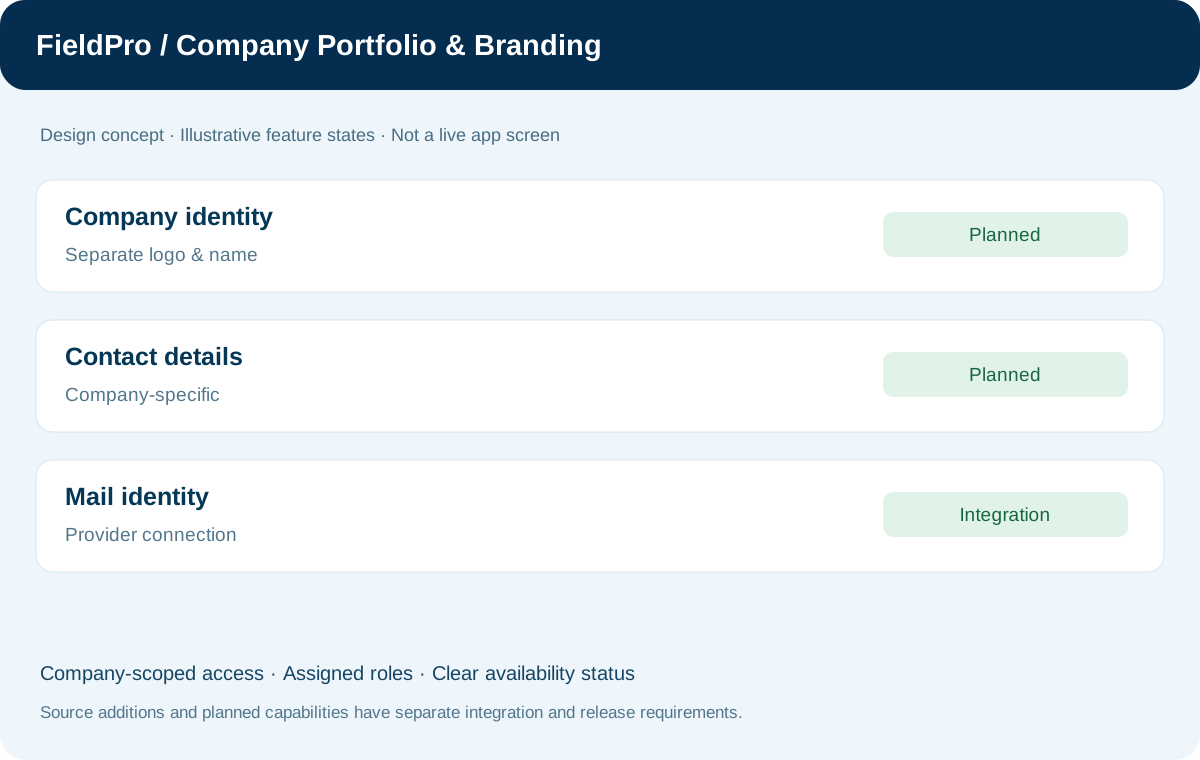
FieldPro Company Portfolio & Branding design concept
Design concept with sample records; not a live ERP screenshot.
Per-company branding is a confirmed product requirement. Its completed implementation has not been established from the available source batch records.
Feature-by-feature availability

What is in source, planned or awaiting integration.

  • Per-company logo, name and contactsPlanned / scope agreed

    Customer Super Admin manages the identity for each company separately; completed implementation is not established here.

  • Company email identityPlanned / integration required

    Use company-specific incoming/outgoing identity and the authorized company-mail setup.

  • Company isolation and auditPlanned / security requirement

    Authorize branding changes for the selected company, maintain change history and clear stale context when switching companies.

Permissions & security requirements.

  • Do not reuse one company logo, contacts or mail settings in another company workspace.
  • Brand changes require company authorization and audit; switching the selected company must not retain stale company data.

Related role applications.

Module access follows assigned rights. Application package releases and live connections are separate.

A practical view of the process

How the work moves.

01

Select a company in the authorized portfolio

02

Edit that company branding and contact details

03

Validate access and submit the change

04

Record the authorized update

05

Apply the selected company context to its workspace

Information coming in

  • Authorized company portfolio
  • Company logo, business name and contacts
  • Assigned branding/email administration rights

Records & handoffs coming out

  • Separate company brand profiles
  • Company-context workspace identity
  • Authorized branding-change history
Connected departments

Where this module connects.

Planned expansion. Release availability requires the relevant implementation, integration and validation work. The visual above is illustrative.

Start with your business

Map your teams.
Connect your workflow.

Explore the departments and handoffs that match your operation, then prepare a product enquiry around your company structure.