Operations / In development

Driver, Rider & Delivery Evidence

Explain the last-mile workflow: assigned delivery, evidence submission, authorized review and the accounts handoff.
DriversRidersTransport AdminAuthorized Reviewers

What it is designed to manage

  • Assigned-delivery scope
  • Delivery evidence and exception review requirements
  • Permission-controlled evidence access
  • Mobile/API integration and release validation
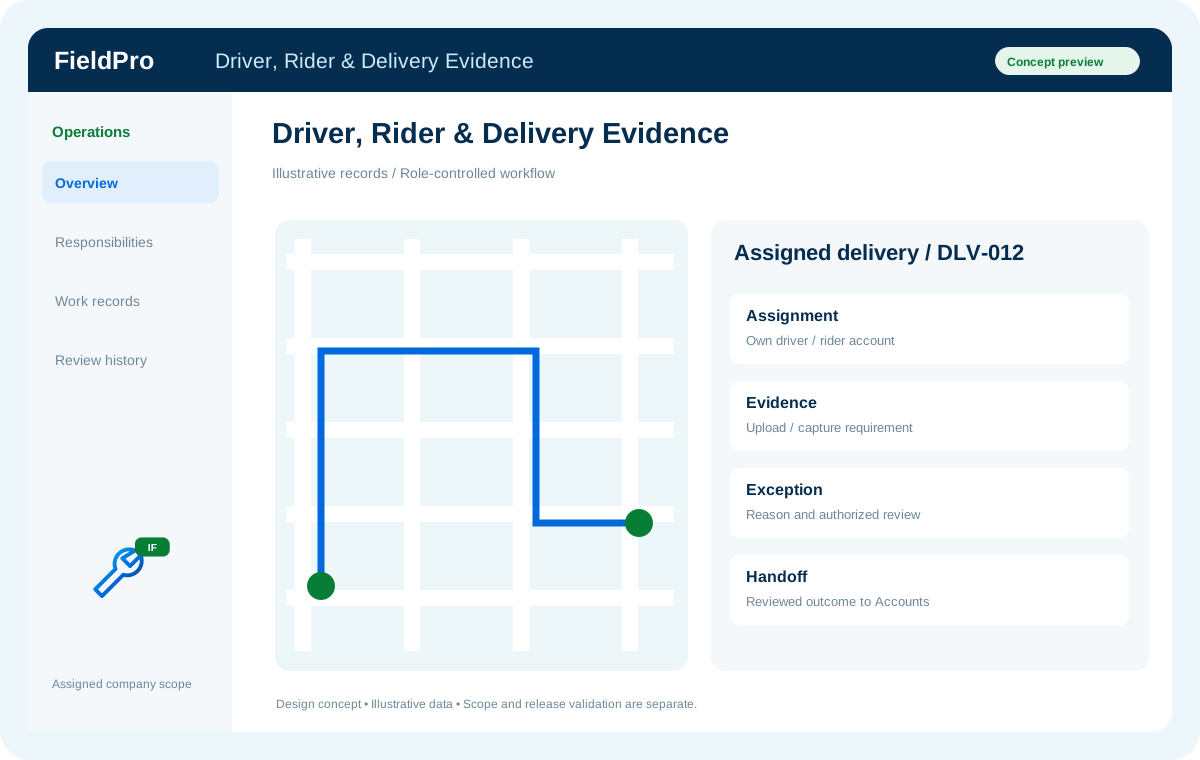
FieldPro Driver, Rider & Delivery Evidence design concept
Design concept with sample records; not a live ERP screenshot.
Front-camera capture, background GPS, photo/video evidence, offline synchronization and device integrity need real mobile/device validation. The available batch report does not establish APK or live-database readiness.

Related role applications.

Module access follows assigned rights. Application package releases and live connections are separate.

A practical view of the process

How the work moves.

01

Receive assigned delivery

02

Perform delivery

03

Submit evidence or exception

04

Authorized review

05

Accounts handoff

Information coming in

  • Assigned delivery
  • Delivery evidence or exception

Records & handoffs coming out

  • Reviewed delivery outcome
  • Accounts-ready handoff
Connected departments

Where this module connects.

In development. Release availability requires the relevant implementation, integration and validation work. The visual above is illustrative.

Start with your business

Map your teams.
Connect your workflow.

Explore the departments and handoffs that match your operation, then prepare a product enquiry around your company structure.