
Company Super Admin App
Company setup, delegated rights and business-wide oversight.
View application purpose →Application release pending In development
Review company and department dashboards, operational reports, financial summaries and permitted exports with source-linked metrics.
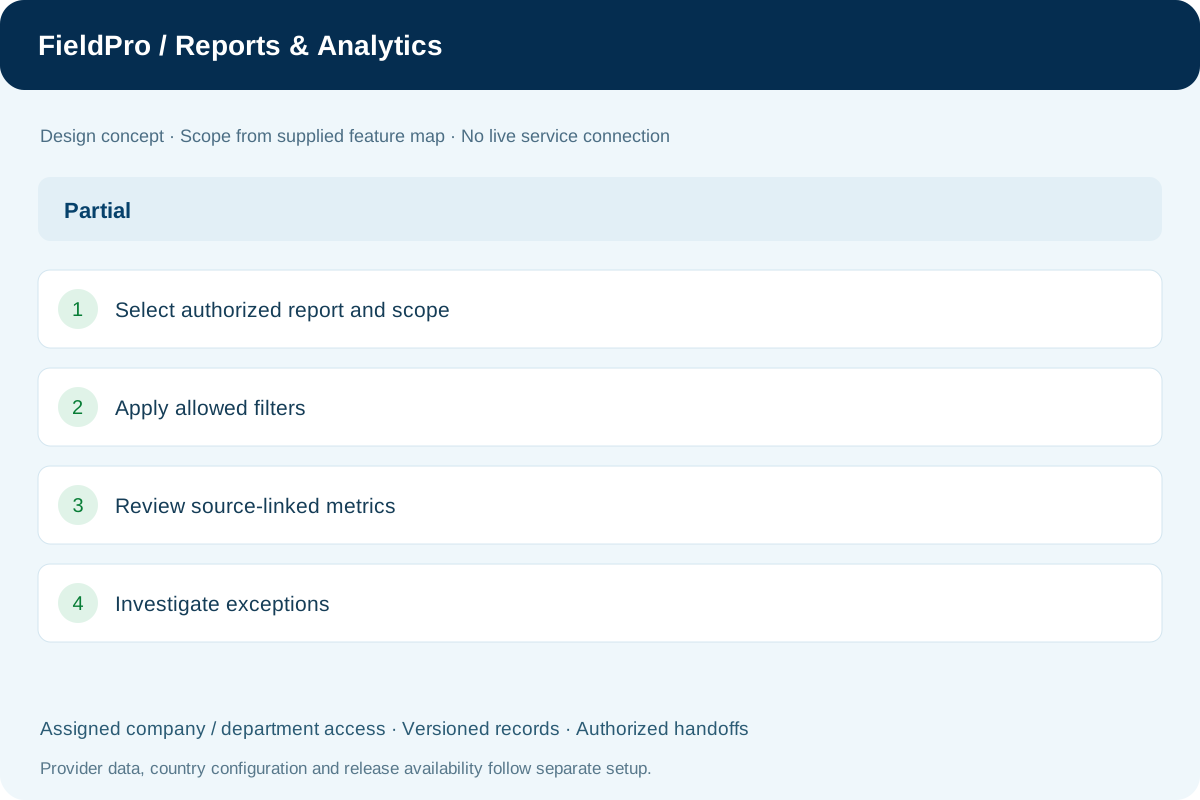
Present summaries only within the viewer’s authorized scope.
Review operational source-linked summaries and exceptions.
Reconcile finance summaries to the underlying ledger.
Review configured trade movement and transaction summaries.
Follow available milestone and carrier-status information.
Review open balances, due dates and recorded follow-up.
Analyze permitted sales and reconciled cost information.
Apply permitted report fields, scope and saved filters.
Enable the format suitable for the particular authorized report.
Summarize defined metrics with traceable source records.
Company-scoped approval filters, manager analytics, department workloads and bounded CSV reports are present in source.
Thirty-day department notice and escalation summaries distinguish generated notices from confirmed external delivery.
Seven-day worker run/failure trends summarize global operational telemetry without exposing other tenants’ approval records.
Health incidents can be manually mapped to a company department. Department counts and the separate 30-day reviewer decision summary have explicit windows and overlap limits.
Company setup, delegated rights and business-wide oversight.
View application purpose →Application release pending
A dedicated entry point for the assigned branch: teams, departmental handoffs and operational summaries.
View application purpose →Application release pendingCoordinate branch operations, assigned supervisors and exceptions within delegated rights.
View application purpose →Application release pending
Assigned credit accounts, invoice collection cases, follow-up timelines and payment submissions for Accounts review.
View application purpose →Application release pending
Review authorized financial records and delivery-to-accounts handoffs.
View application purpose →Application release pending
Support configured region, branch and sales-team responsibilities.
View application purpose →Application release pendingModule access follows assigned rights. Application package releases and live connections are separate.
In development. Release availability requires the relevant implementation, integration and validation work. The visual above is illustrative.
Explore the departments and handoffs that match your operation, then prepare a product enquiry around your company structure.