Workplace / Integration-dependent

IT Department & Remote Assistance

Bring support requests, IT assets and authorized remote assistance into a clear departmental workflow.
IT DepartmentAuthorized TechniciansRequesting Employees

What it is designed to manage

  • IT helpdesk and device/asset management scope
  • User-consented, audited assistance sessions
  • Software-license and maintenance coordination
  • Remote-control and internet-policy integration boundaries
  • Worker health and incident follow-up
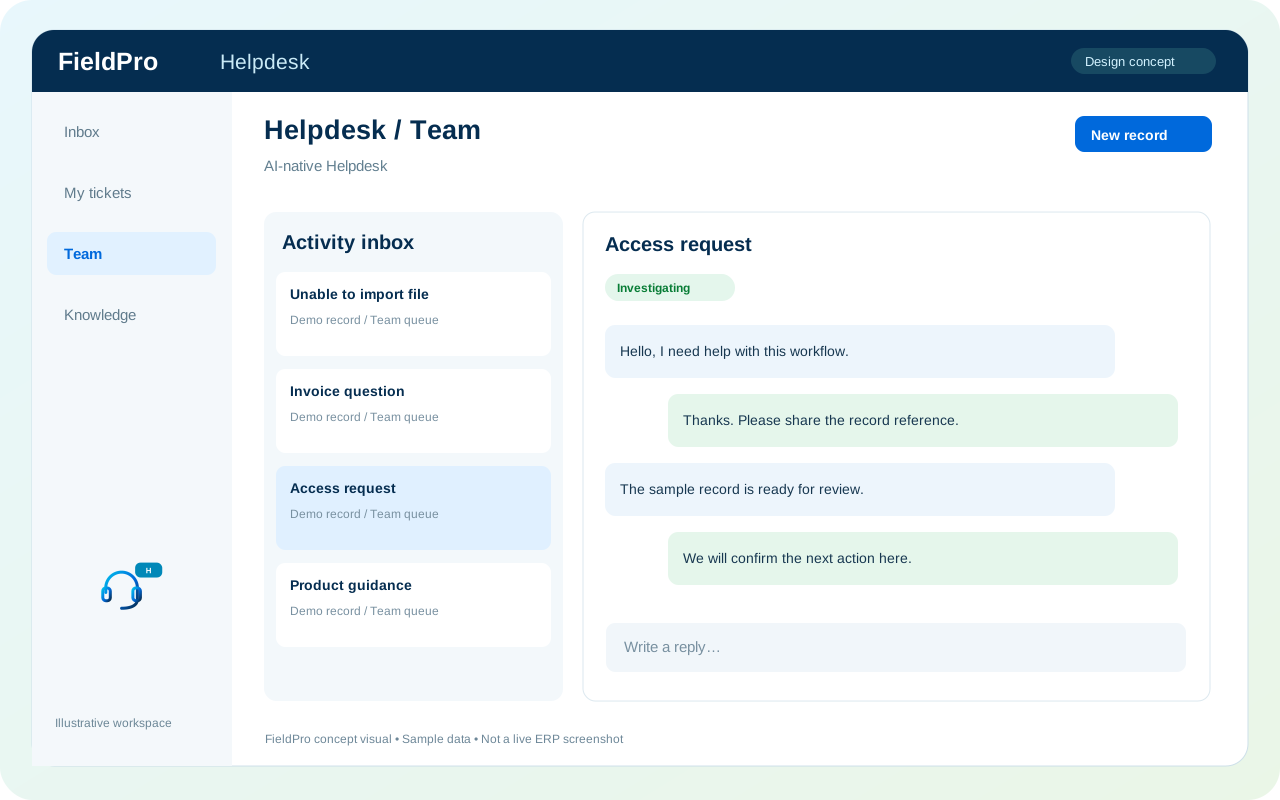
FieldPro IT Department & Remote Assistance design concept
Design concept with sample records; not a live ERP screenshot.
Full desktop control needs a dedicated agent or trusted integration. Network restrictions require firewall, DNS or device-management integration.
Feature-by-feature availability

What is in source, planned or awaiting integration.

  • IT helpdesk and device/asset management scopeIntegration-dependent

    Previously documented product scope; release availability is assessed separately.

  • User-consented, audited assistance sessionsIntegration-dependent

    Previously documented product scope; release availability is assessed separately.

  • Software-license and maintenance coordinationIntegration-dependent

    Previously documented product scope; release availability is assessed separately.

  • Remote-control and internet-policy integration boundariesIntegration-dependent

    Previously documented product scope; release availability is assessed separately.

  • Worker health and incident follow-upSource present · live validation pending

    Authorized operations users can inspect sanitized worker records, acknowledge warnings and coordinate manual response. These are operational controls, not remote-desktop capability.

Related role applications.

Module access follows assigned rights. Application package releases and live connections are separate.

A practical view of the process

How the work moves.

01

Employee raises ticket

02

IT triages request

03

User authorizes assistance where needed

04

Technician records resolution

Information coming in

  • Support request
  • Device or asset context

Records & handoffs coming out

  • Support ticket history
  • Resolution and maintenance follow-up
Connected departments

Where this module connects.

Integration-dependent. Release availability requires the relevant implementation, integration and validation work. The visual above is illustrative.

Start with your business

Map your teams.
Connect your workflow.

Explore the departments and handoffs that match your operation, then prepare a product enquiry around your company structure.