
Company Super Admin App
Company setup, delegated rights and business-wide oversight.
View application purpose →Application release pending In development
Organize company chat in member-controlled threads, with incremental message polling and personal read cursors.
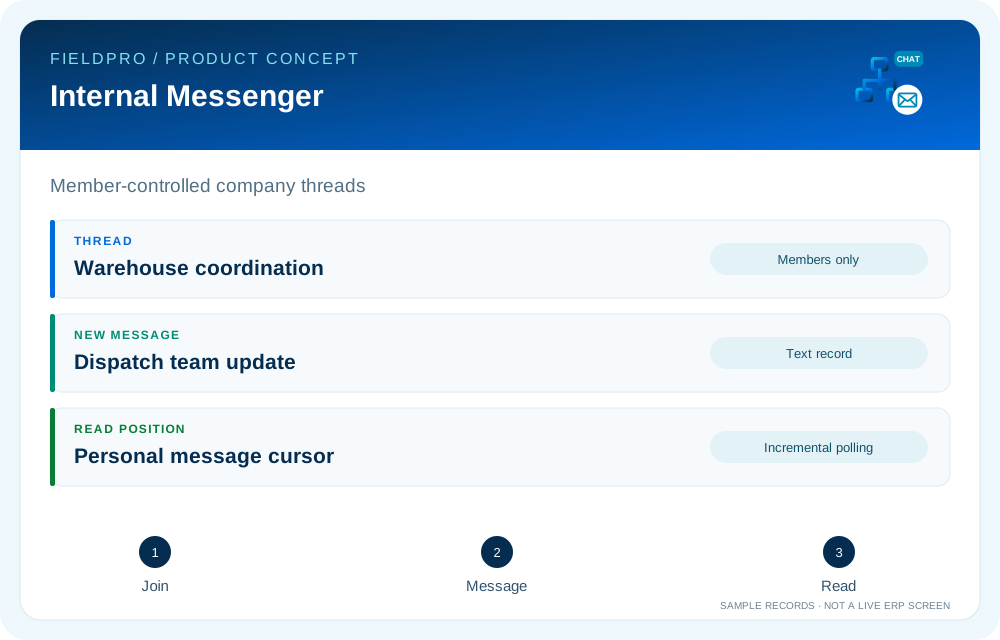
Thread creation, membership checks and text message records are present in the cumulative communications source.
Thread participation and company identity determine which messages an authenticated user can access.
Fetch up to 100 messages newer than the caller cursor from threads they belong to. Polling is distinct from WebSockets or background push.
A thread member can advance their own read position. This is not a delivery confirmation or a read receipt for every participant.
Realtime push, voice/video transport and mobile background delivery require separate infrastructure and validation.
Company setup, delegated rights and business-wide oversight.
View application purpose →Application release pending
Office administration and assigned company or branch services.
View application purpose →Application release pending
A dedicated entry point for the assigned branch: teams, departmental handoffs and operational summaries.
View application purpose →Application release pending
Assigned credit accounts, invoice collection cases, follow-up timelines and payment submissions for Accounts review.
View application purpose →Application release pending
Access own requests, employee information and published payslips.
View application purpose →Application release pendingModule access follows assigned rights. Application package releases and live connections are separate.
Source present · live validation pending. Release availability requires the relevant implementation, integration and validation work. The visual above is illustrative.
Explore the departments and handoffs that match your operation, then prepare a product enquiry around your company structure.