
Company Super Admin App
Company setup, delegated rights and business-wide oversight.
View application purpose →Application release pending In development
Give employees an internal company inbox for direct and department messages, with controlled attachments and personal read status.
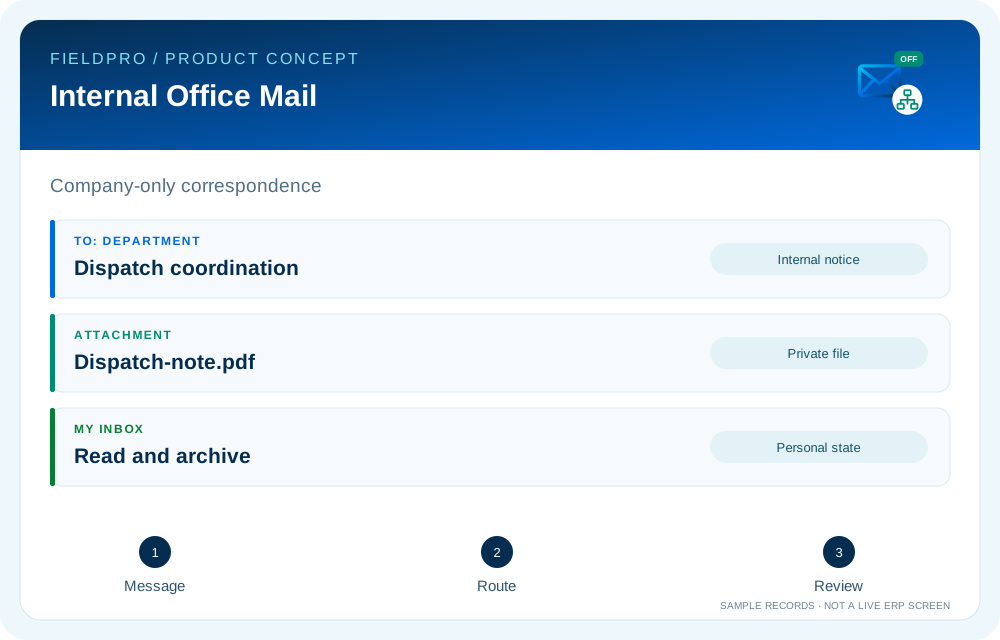
Company-scoped employee-to-employee messages, message detail, sent history and personal archive are present in source. Recipients are company users, not public email addresses.
An active department member can send to up to 100 other active members. Department delivery is recorded as one database transaction.
Internal notices identify new messages and uploaded attachments. Users can mark only their own notices read; this does not establish mobile push delivery.
Sender upload supports PDF, PNG, JPEG and plain text up to 5 MiB. Private storage, randomized keys, SHA-256 checks and authorized downloads are in source.
Retention previews, legal holds, configured company quotas and independent cleanup review connect to the dedicated governance workspace.
Office Mail stays inside the company database. It does not use SMTP/IMAP or create a company-domain mailbox.
Company setup, delegated rights and business-wide oversight.
View application purpose →Application release pending
Office administration and assigned company or branch services.
View application purpose →Application release pending
A dedicated entry point for the assigned branch: teams, departmental handoffs and operational summaries.
View application purpose →Application release pendingCoordinate branch operations, assigned supervisors and exceptions within delegated rights.
View application purpose →Application release pending
Review assigned team progress and raise operational issues with the responsible department.
View application purpose →Application release pending
Assigned credit accounts, invoice collection cases, follow-up timelines and payment submissions for Accounts review.
View application purpose →Application release pending
Review authorized financial records and delivery-to-accounts handoffs.
View application purpose →Application release pending
Access own requests, employee information and published payslips.
View application purpose →Application release pendingModule access follows assigned rights. Application package releases and live connections are separate.
Source present · live validation pending. Release availability requires the relevant implementation, integration and validation work. The visual above is illustrative.
Explore the departments and handoffs that match your operation, then prepare a product enquiry around your company structure.