
Company Super Admin App
Company setup, delegated rights and business-wide oversight.
View application purpose →Application release pending In development
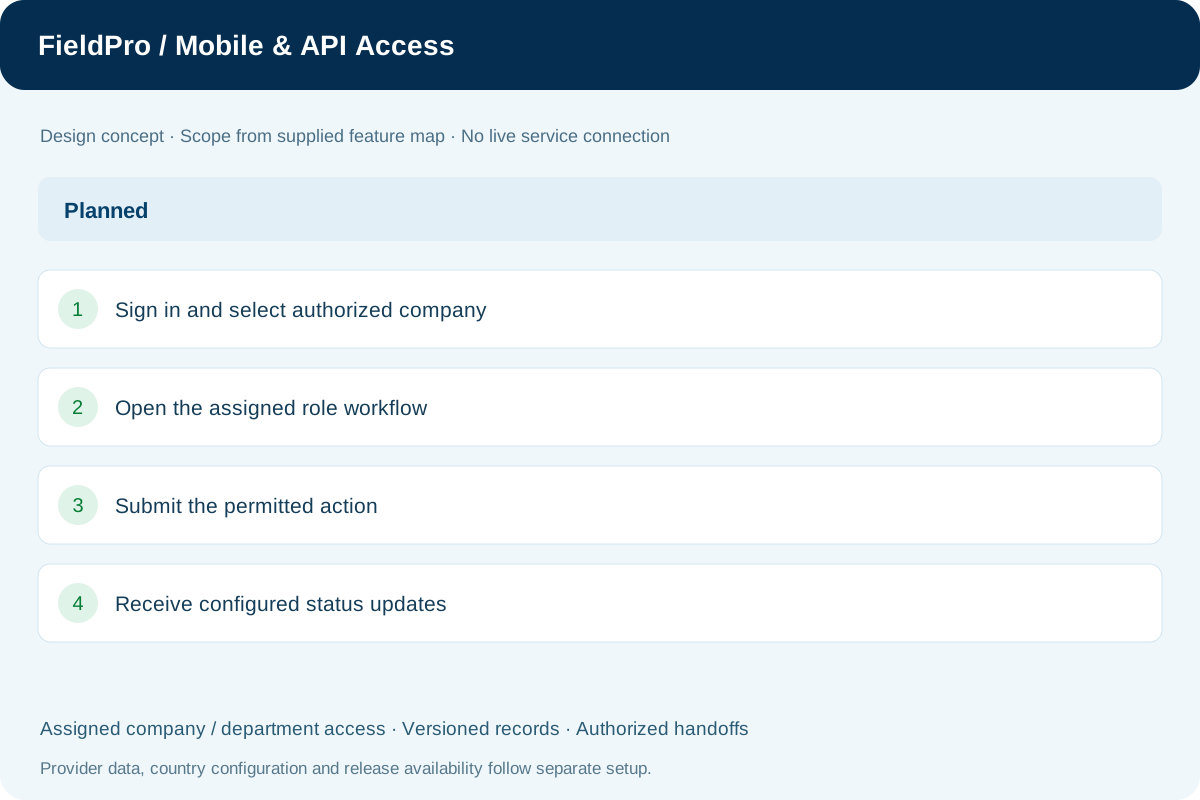
Explain role-based mobile work, manager approvals, notifications and the roadmap for supported API/provider connections.
Adapt authorized workspaces to supported screen sizes.
Prioritize tasks and forms relevant to mobile users.
Provide employee-specific requests and published information.
Expose only assigned approval work with applicable limits.
Plan configured delivery channels and permission-aware routing.
Publish supported authorized integration interfaces as they are implemented.
Connect authorized providers and retain source/update context.
Deliver configured business messages through approved providers.
Build and release role applications separately for their target platforms.
Connect assigned rider, sales, collection and supervisor tasks.
Company setup, delegated rights and business-wide oversight.
View application purpose →Application release pending
Employee records, requests and the controlled payroll connection.
View application purpose →Application release pending
Assigned credit accounts, invoice collection cases, follow-up timelines and payment submissions for Accounts review.
View application purpose →Application release pending
View assigned deliveries and submit delivery evidence or exceptions.
View application purpose →Application release pendingAccess own requests, employee information and published payslips.
View application purpose →Application release pendingModule access follows assigned rights. Application package releases and live connections are separate.
In development. Release availability requires the relevant implementation, integration and validation work. The visual above is illustrative.
Explore the departments and handoffs that match your operation, then prepare a product enquiry around your company structure.