
Sales Team App
Cashiers and sales staff sell at the counter, take payment and print receipts.
View application purpose →Web & mobile app
Sell at the counter with barcode scanning, cash, card, wallet and credit payments, printed receipts, shifts and Z-reports — for shops and restaurants, even without internet.
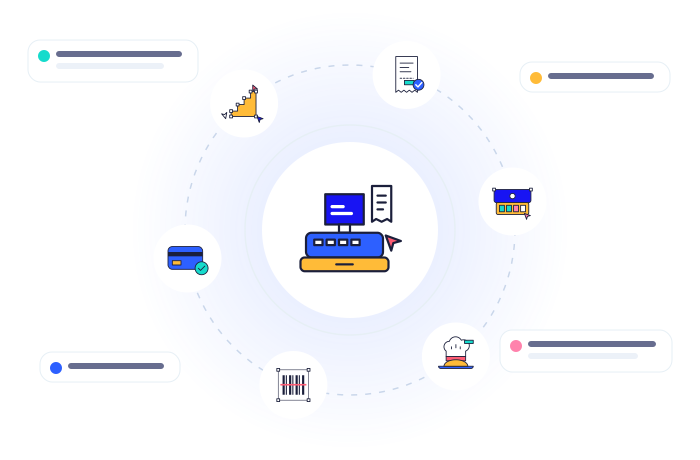
Big product buttons, categories and a search box that takes a barcode scanner — a sale takes seconds.
Scan the barcode or type the SKU and press Enter; the item lands in the cart.
Cash with change, card with slip number, bank transfer, mobile wallet, or split one bill across several methods.
Sell on credit to a registered customer; FieldPro creates the invoice and CNC follows the collection.
Print on 80 mm or 58 mm thermal printers or A4, with your shop name, address, NTN/STRN and return policy.
Open with the cash in the drawer, close with the counted cash; the Z-report shows takings by method, refunds, tax and over / short.
Discounts above the counter limit, lower prices, refunds and kitchen voids need a manager — who can approve on the cashier’s screen.
Refund the whole sale or some items; stock goes back to the store and the accounts are reversed.
Park a sale while the customer fetches one more item, then open it again.
See free and busy tables, open a table order, add items and pay when the guests leave.
Orders reach the kitchen screen instantly with notes like “no ice”; cooks mark them preparing, ready and served.
If the internet drops, the counter keeps selling and printing; sales sync by themselves when it is back — never twice.
Every paid sale takes stock out of the counter’s warehouse and creates the sales, cash and sales-tax entries.
Runs in the browser and in the FieldPro app on Android, iPhone, Windows and Mac.
Cashiers and sales staff sell at the counter, take payment and print receipts.
View application purpose →Web & mobile app
Assigned credit accounts, invoice collection cases, follow-up timelines and payment submissions for Accounts review.
View application purpose →Web & mobile appEach person only sees the modules and records their role allows.

Register your company, choose your services and run every department — online or on the mobile app.